
Beyond Prompts: Building AI Harnesses with Skills


What exactly is harnesses?
One of the biggest frustrations when working with AI is repeating yourself.
Every new chat starts with the same explanation: who you are, how you want the output formatted, what rules the AI should follow, and what context it needs to know. It works, but it gets tiring quickly.
This is where harnesses come in.
In simple terms, a harness gives AI extra information, instructions, or context upfront so you do not have to include them in every prompt. It is like setting up the environment before asking someone to do a task. Instead of explaining the rules every single time, you define them once and let the AI follow them.
That convenience is why many developers started creating files like AGENTS.md and CLAUDE.md, filling them with project guidelines, coding standards, workflows, and preferences. Some went further and created multiple skills that AI can use for specific tasks.
The idea is simple: spend less time managing the AI and more time doing the actual work.
But as skills become more popular, there is an interesting question: are we just creating better prompts, or are we building something closer to an operating layer for AI?
In this article, we will look at skills as a type of harness, how they work, why they are useful, and where they can become a problem. Because while giving AI more context makes it smarter, giving it too much context can also make it harder to control.
Where skills are useful
Skills are useful when the default AI model is missing context, lacks specific knowledge, or needs to follow a repeatable process.
1. Fill the knowledge gap
AI models are trained on a fixed dataset, which means they do not automatically know the latest information after their training period. Skills can be used to provide updated knowledge or additional context that the model does not have.
For example, a skill can contain the latest product documentation, company policies, or new technical references that were not included in the original model training.
However, this type of skill has a limitation. Once a newer model is released with the updated information built in, the skill may become unnecessary or redundant.
2. Provide private or internal knowledge
Some information will never be available in public AI models because it belongs to a specific company, team, or project.
This can include internal documentation, proprietary systems, home-grown libraries, private APIs, business processes, or company-specific best practices. Since the AI model has no access to this information, it cannot understand or use it unless the knowledge is provided.
Skills act as a bridge between the AI model and your own knowledge base. They allow AI to work with information that is unique to your environment, making it more useful for tasks that depend on internal context.
For example, a company might have its own deployment workflow, internal frameworks, or engineering standards. By packaging these rules into a skill, developers can ask AI to work within those constraints without explaining everything from scratch every time.
The important distinction is that the AI model itself is not becoming smarter. The skill is simply giving the model the missing context it needs to perform better in a specific environment.
3. Define repeatable workflows
Skills can also be used to teach AI how to perform a specific task.
Instead of repeatedly telling AI the same steps, you can package those instructions into a skill. The AI can then follow the predefined workflow whenever that skill is used.
For example, a skill can define how to review a pull request, generate a report, analyze logs, or prepare documentation according to your preferred process.
The benefit is consistency. Everyone using the skill gets the same process without having to remember and rewrite the instructions every time.

The challenge of managing context
While skills are powerful, adding more context does not always make AI better. One of the biggest challenges is deciding what information should actually become part of a skill.
A common mistake is treating skills as a place to dump everything. Over time, a small set of instructions can grow into a massive manual that the AI has to process every time. More context does not always mean better results.
Some common problems include:
Repeating information the AI already knows
Not every instruction needs to become a skill. Adding general knowledge or common practices that the model already understands only increases the amount of context without improving the output.
The goal is not to tell AI everything. The goal is to provide information it cannot already access.
Skills becoming instruction manuals
A skill can start small but slowly grow into a 1000-page instruction manual containing every possible scenario, exception, and rule.
At some point, the skill becomes harder to use and maintain. The AI has to navigate through too much information to find the parts that actually matter.
Maintenance overhead
Skills are not write-once configurations. They need to evolve as products, processes, and tools change.
Outdated instructions can be worse than no instructions because they can cause AI to follow old workflows or incorrect assumptions.
Too much guidance becomes non-guidance
When everything is marked as important, nothing stands out.
A good skill should highlight the instructions that actually affect the outcome. If every rule has the same priority, the AI has a harder time understanding what matters most.
What should a skill capture?
A useful skill should capture information that changes the result or improves the workflow.
Avoid adding:
- No-op instructions: Rules that sound like instructions but do not provide meaningful guidance to the AI. For example, instructions that do not change the output or behavior.
- Redundant instructions: If the result is the same with or without the skill, the skill is not adding value.
A simple test is to compare the output with and without the skill. If there is no meaningful difference, the instruction probably does not belong in the skill. The best skills are not the longest ones. They are the ones that provide the right context at the right time.
The challenge of triggering skills
For knowledge-based skills, one of the most common approaches is using the skill's frontmatter description as a trigger. The idea is simple: describe when the skill should be used, and let AI decide when to activate it.
In practice, this can be unpredictable.
Triggers are not always consistent
A skill might trigger when it should not, or fail to trigger when it is needed.
This creates a frustrating experience. You may have a carefully written skill with the right information, but the AI either ignores it or applies it in situations where it is not relevant.
Even with evaluation tests, skill triggering is difficult to make fully deterministic. Small changes in the prompt or context can affect whether the AI decides to use a skill.
Explicit invocation is the safer option
When reliability matters, explicitly telling AI to use a skill is usually the safer approach.
For example:
invoke SKILL_NAME
This removes the uncertainty of relying on AI to decide whether the skill is relevant. Instead of hoping the model discovers the right context, you tell it exactly which capability to load.
This approach works better for skills that contain important workflows, specialized knowledge, or instructions where missing the skill could lead to incorrect results.
When skills depend on other skills
Another challenge appears when one skill starts depending on another skill.
For example, a project setup skill may require a coding standard skill, which then requires an internal API skill. Over time, this creates a chain of dependencies that becomes difficult to manage.
In these cases, plugins may be a better approach.
Plugins can package related capabilities together and manage dependencies automatically, instead of requiring users to install and maintain multiple individual skills.
Skills work well as focused units of knowledge or instructions. But when the relationship between them becomes complex, a plugin-based approach can provide a cleaner way to manage the ecosystem.
Evals: testing whether your skill actually works
Creating a skill without evaluation is like making a wish. You provide the instructions and hope the AI behaves the way you expect, but there is no guarantee it will happen consistently.
A skill is not successful just because it contains good instructions. It needs to produce the expected behavior when used.
This is where evaluations, or evals, come in.
Evals help answer two important questions:
- Does the skill trigger when it should?
- Does the skill actually improve the output?
Quick checks with linting
Before testing behavior, start with simple validation checks. These are similar to linting code. They do not tell you whether the skill is useful, but they catch common mistakes early.
Examples of checks include:
- Skill names should follow kebab case.
- Description length should stay within the expected limit, such as 1024 characters.
- Instructions should not grow beyond a reasonable size, such as 500 lines.
- The description should clearly explain usage patterns, including phrases like "use when", "when to use", or "do not use when".
These checks help keep skills maintainable and easier for AI to understand.
One example implementation can be found in the skill linting script from Addy Osmani's agent-skills repository:
https://github.com/addyosmani/agent-skills/blob/main/scripts/lib/skill-lint.js
Trigger tests: does the skill activate correctly?
The next step is testing whether the skill triggers in the right situations.
A trigger test simulates the matching process offline and deterministically, without requiring a live LLM call.
The test builds a search index from the skill metadata and runs test cases against it:
- Positive cases: prompts where the skill should trigger
- Negative cases: prompts where the skill should not trigger
This helps identify two common problems:
- The skill does not trigger when it should
- The skill triggers too often when it is not relevant
Behavioral tests: does the skill improve the result?
Trigger tests only tell us whether the skill activates. They do not tell us whether the skill actually improves the output.
This is where behavioral tests come in.
Behavioral tests are more expensive because they require running the AI model:
- Start Claude code and provide a prompt with the skill attached
- Generate the output
- Evaluate the result using LLM-as-a-judge
- Compare the result against the same prompt without the skill
The comparison matters because a skill should create a meaningful improvement. If the output is identical with or without the skill, the skill may not be providing enough value.
It is also useful to test across different models because skill behavior can vary depending on the model's capabilities and how it interprets instructions.
Trigger tests and behavioral tests are available in the agent-skills repository:
https://github.com/addyosmani/agent-skills/blob/main/scripts/run-evals.js
Note that behavioral tests require a Claude license because they run against Claude Code.
Ship confidently with tests
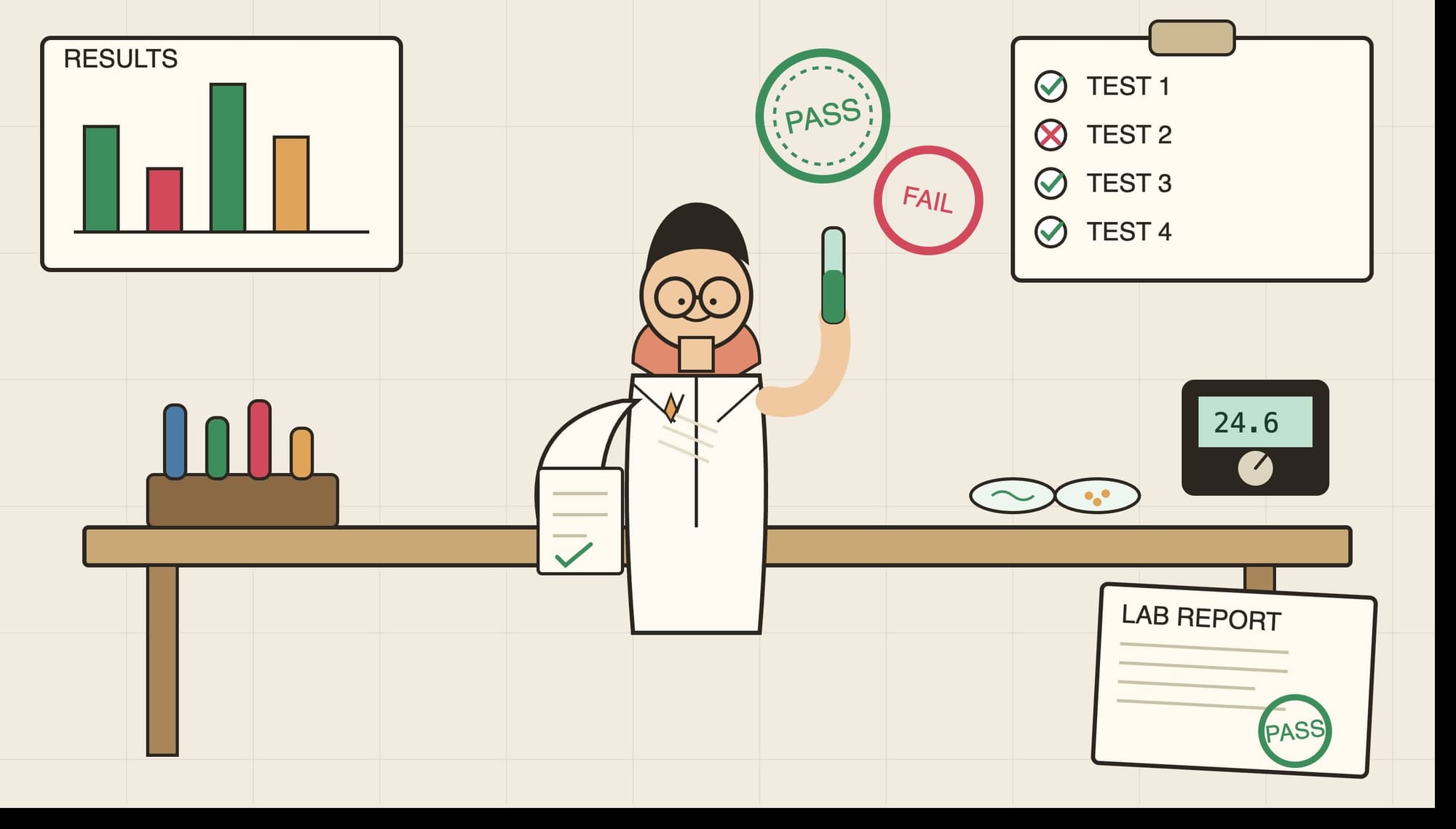
Skills are becoming a new way of extending AI capabilities. Like any other software component, they need validation.
A tested skill gives you confidence that it triggers correctly, provides useful context, and improves the way AI performs a task. Without evals, you are just hoping the instructions work. With evals, you can measure it.